When it comes to AI tools, most people immediately think of big names like OpenAI’s DALL·E or the artistic powerhouse MidJourney. But did you know Google has its own text-to-image AI tool called ImageFX?
Even better, it’s completely free to use if you have a Google account. Despite flying under the radar, ImageFX offers plenty of exciting features, and it’s time we gave it the attention it deserves.
Let’s take a closer look at what ImageFX has to offer and how it stacks up against its more popular competitors.
What is ImageFX?
ImageFX is Google’s answer to the booming demand for AI-powered creativity. Available through the AI Test Kitchen and powered by Imagen 2, one of Google DeepMind’s most advanced models, ImageFX allows you to create stunning images from text prompts.
It’s perfect for everything from quick sketches and creative experiments to more refined projects.
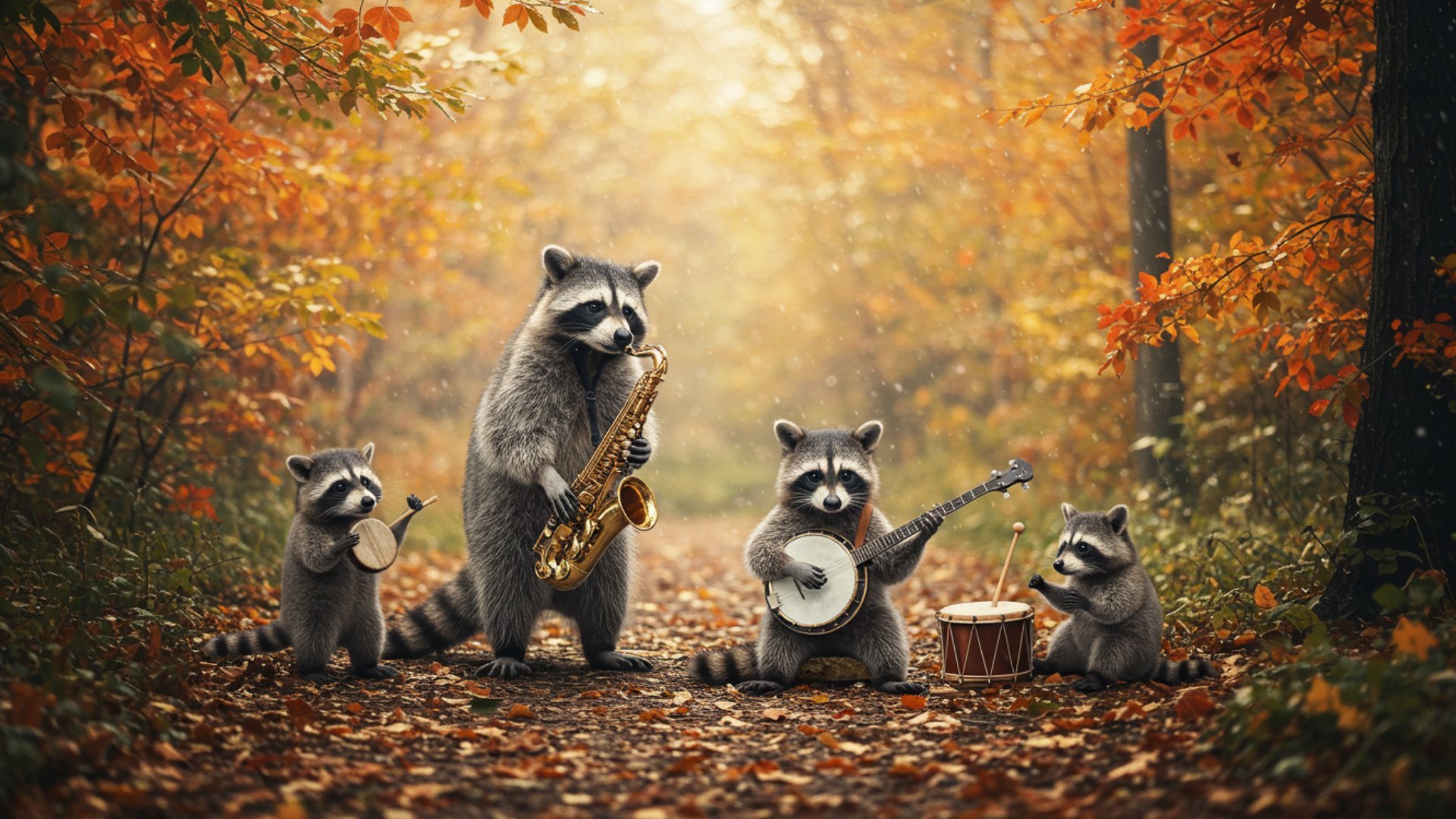
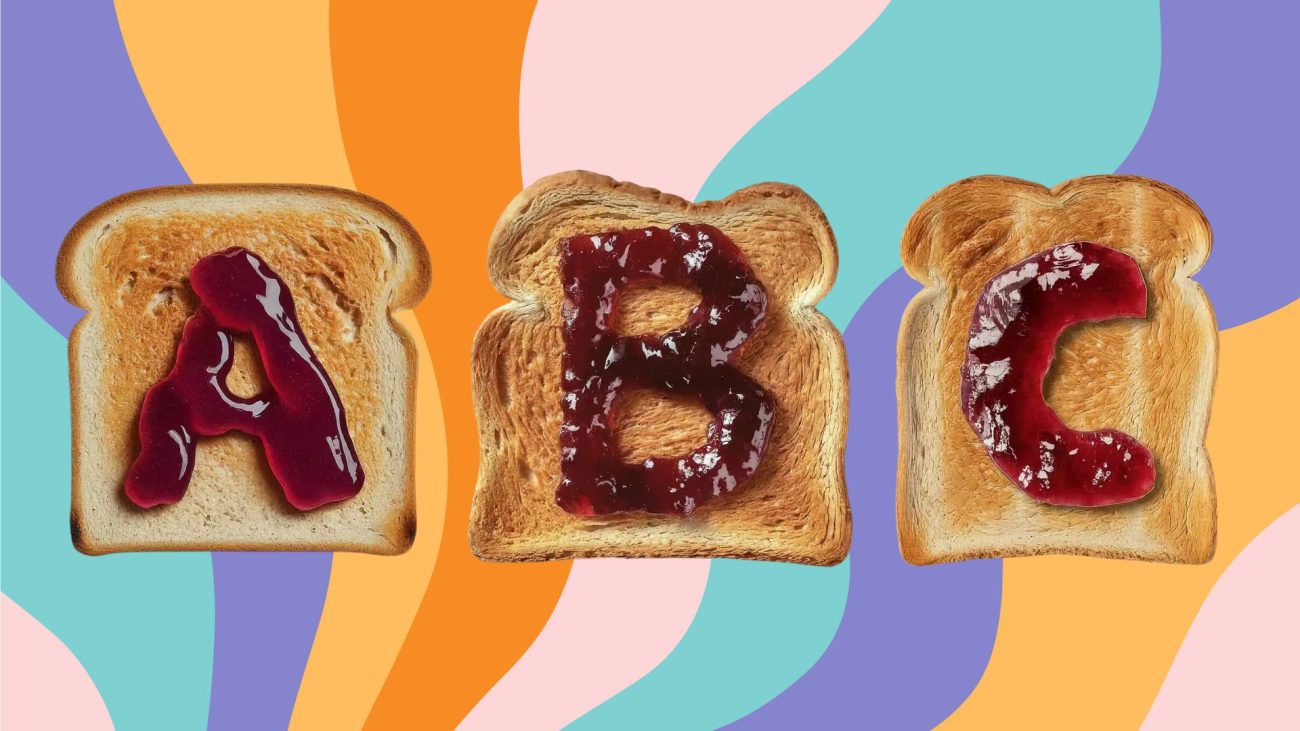
Google ImageFX Example 1
The tool is simple, intuitive, and—you guessed it—free. Whether you’re a beginner dipping your toes into AI art or a casual creator looking for inspiration, ImageFX is ready to help you explore your creative potential.
Key Features of ImageFX
- Expressive Chips: These are little controls that make experimenting with variations easy. Want your image to look brighter or shift to a softer color palette? You can do it without typing out a completely new prompt.
- Integration with AI Test Kitchen: ImageFX is part of a broader ecosystem that includes tools like MusicFX (text-to-music) and TextFX (text-based creative writing). This means you can easily hop between creating visuals, crafting stories, and even generating music—all in one place.
- Powered by Imagen 2: The heart of ImageFX is Google’s cutting-edge AI model. It creates realistic textures, handles lighting beautifully, and produces intricate details that rival other major players in the space.
- Seamless Google Integration: If you already use Google services like Google Photos, you’ll love how well ImageFX fits into your workflow. You can save, share, or edit creations with just a few clicks.
Comparing ImageFX to DALL·E and MidJourney
Let’s face it: when you think “text-to-image AI,” Google isn’t the first name that pops up. That spot is reserved for heavyweights like DALL·E and MidJourney. So how does ImageFX measure up?
Ease of Use:
ImageFX wins on accessibility. All you need is a Google account—no special setup or subscriptions required. DALL·E is also user-friendly but comes with free and paid tiers that can limit your experience. MidJourney, while powerful, requires a Discord account and a subscription, which can feel a bit overwhelming for first-timers.
Image Quality:
MidJourney is renowned for producing breathtakingly artistic, stylized images. DALL·E offers a balance of creativity and practicality, excelling in functional outputs. ImageFX holds its own by delivering highly realistic images with excellent textures and lighting, making it a great all-rounder.
Customization:
If you’re someone who likes full control, MidJourney’s advanced parameters are hard to beat. DALL·E allows for detailed tweaks through prompts, while ImageFX focuses on simplicity with features like Expressive Chips. It might not offer as much fine-tuning, but it’s perfect for quick adjustments.
Cost:
This is where ImageFX shines. It’s entirely free. No subscriptions, no paywalls—just log in with your Google account and start creating. By comparison, DALL·E offers limited free usage and paid plans, while MidJourney is subscription-based.
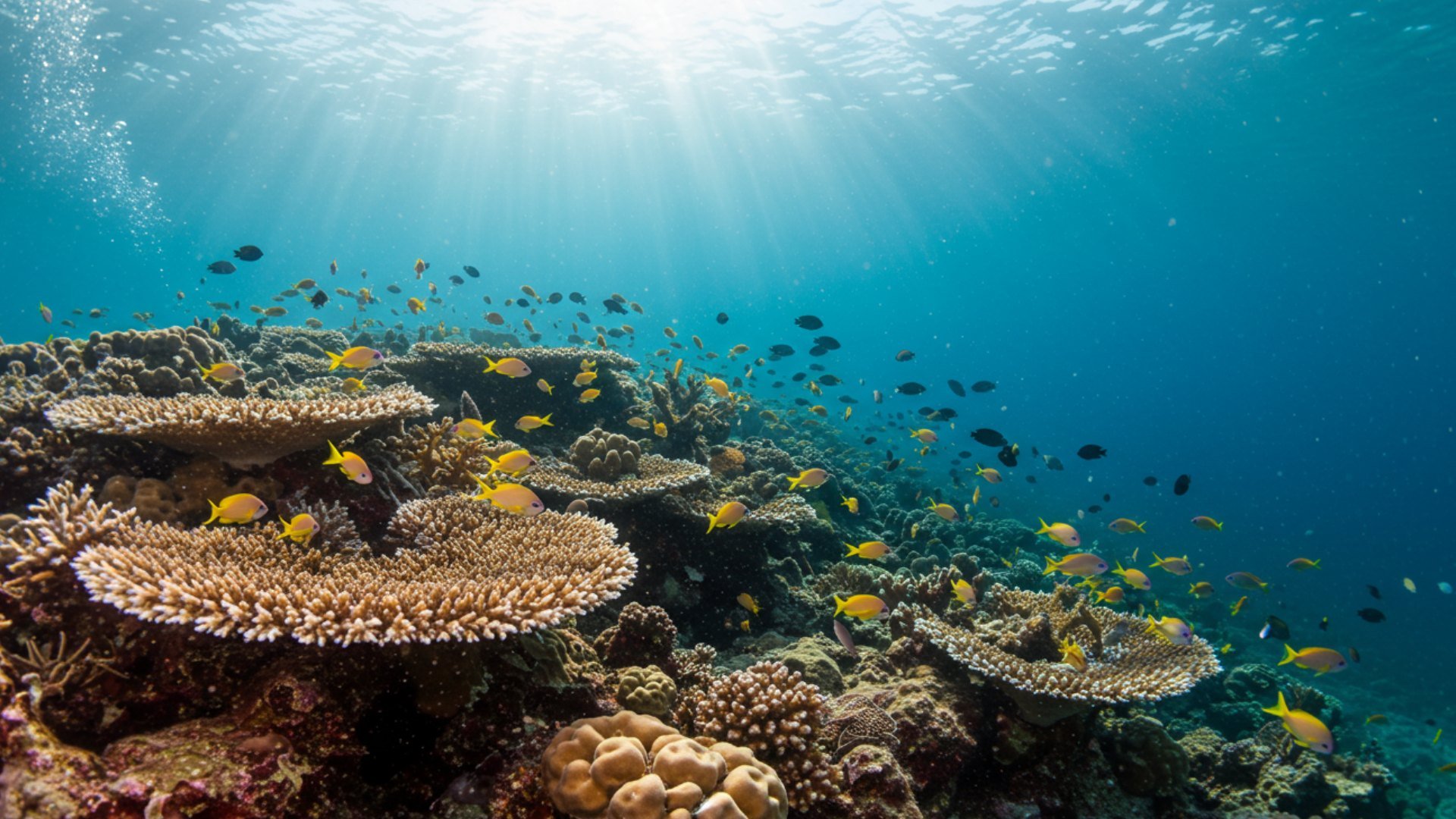
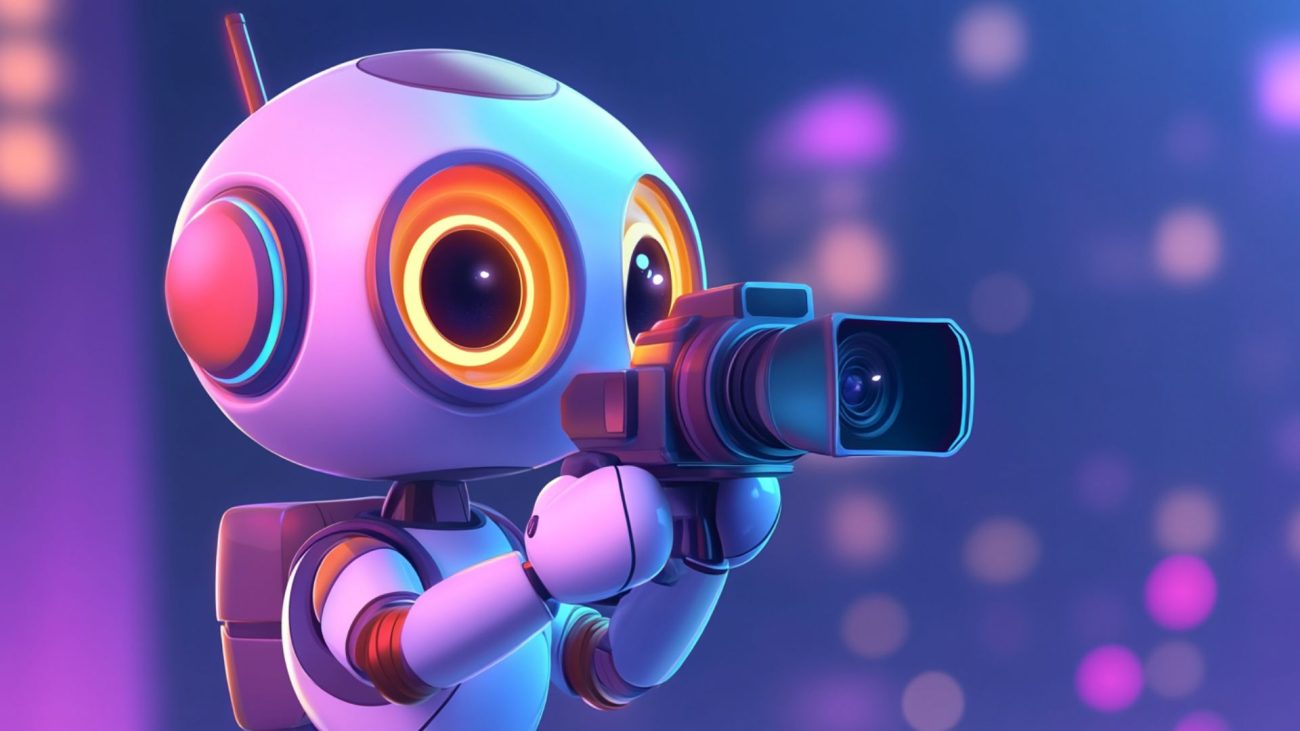
Google ImageFX Example 2
What Makes ImageFX Stand Out?
One of the standout features of ImageFX is its focus on making advanced tools easy to use. For example, the Magic Eraser tool allows you to remove unwanted objects from photos seamlessly, while Smart Filters can adjust brightness, contrast, and color balance automatically.
These features make the tool not just a generator of new images but also a handy editor for existing ones.
Another highlight is the augmented reality (AR) integration, which lets users add virtual objects or effects to their photos. This adds an entirely new layer of creativity, allowing for fun, interactive experiments.
And let’s not forget the collage and layout options, which let you create multi-photo compositions with ease. Whether you’re creating a mood board or sharing memories, these features add a nice touch.
Limitations of ImageFX
While ImageFX is impressive, it’s not without its limitations. Advanced users may find the customization options somewhat basic compared to the extensive controls offered by MidJourney or the nuanced tweaks you can achieve with DALL·E.
The lack of a dedicated community also means you might not find as much inspiration or support as you would with other tools.
Another downside is that some features, like more intensive AI-driven tools, can occasionally slow down on older devices. And while the interface is generally user-friendly, new users might take a little time to explore all its capabilities.
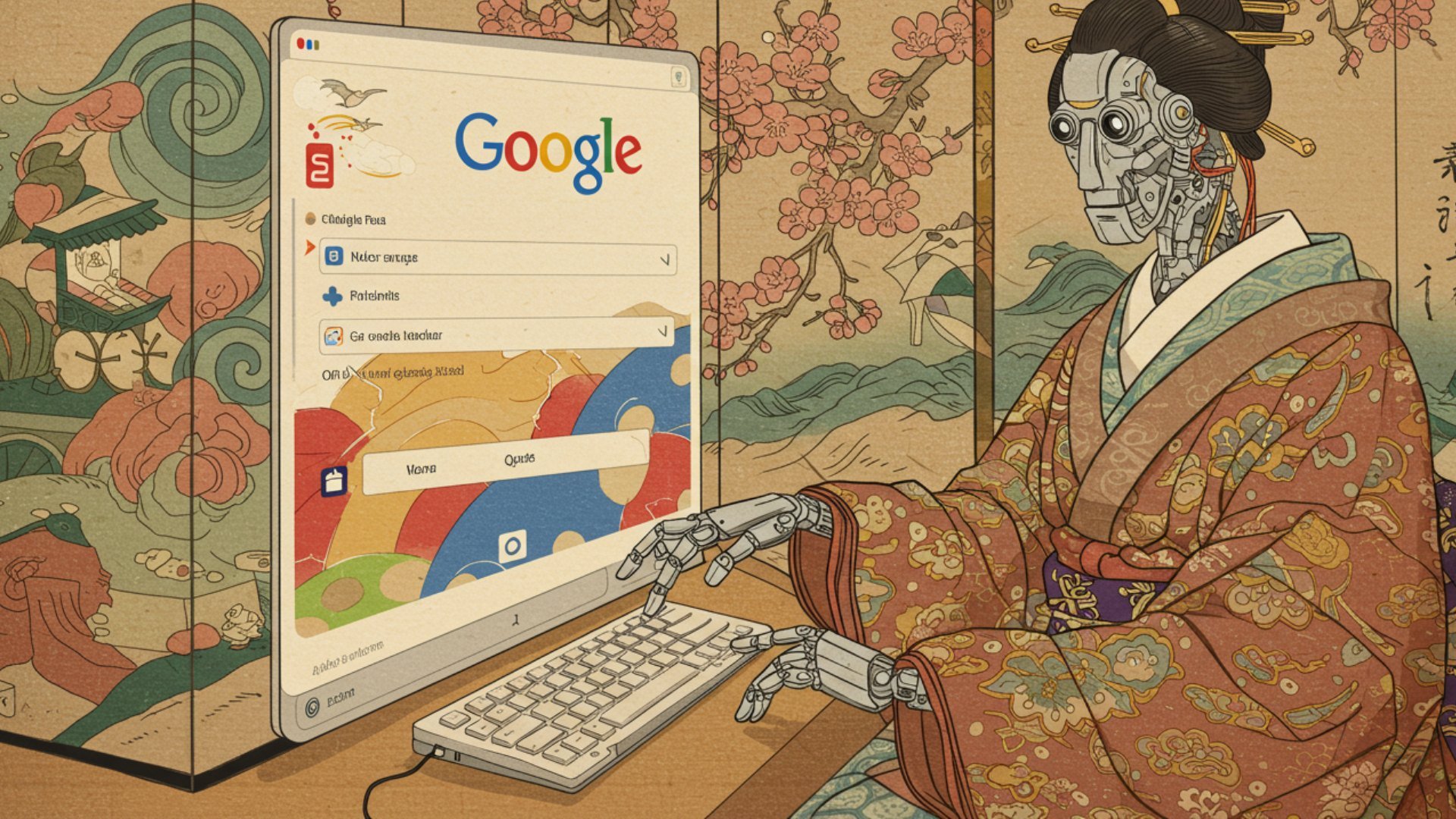
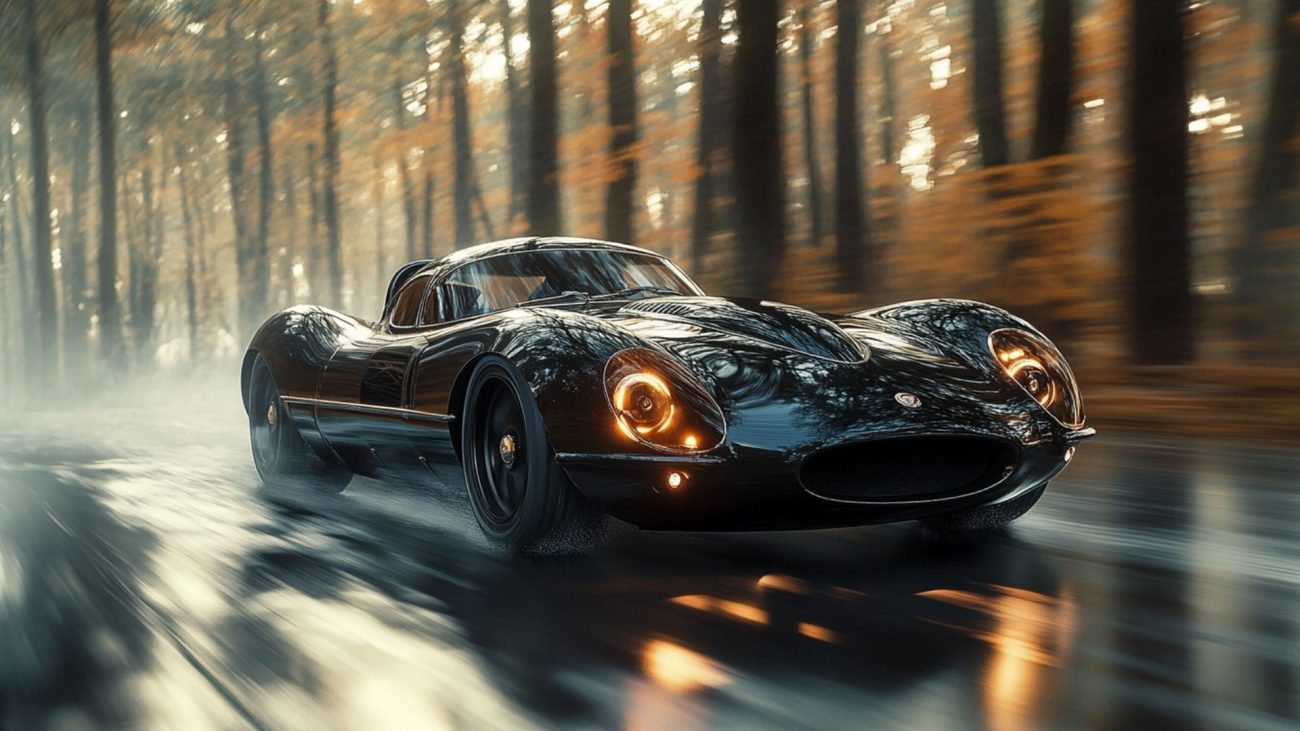
Google ImageFX Example 3
Why You Should Try ImageFX
If you’re curious about text-to-image AI but don’t want to invest in a subscription just yet, ImageFX is a fantastic place to start. It’s accessible, powerful, and perfect for exploring your creativity without the pressure of monthly fees.
Whether you’re an artist looking to prototype ideas, a writer needing visuals for your stories, or just someone who loves experimenting, this tool has something for everyone.
Plus, its seamless integration with Google Photos and the wider Google ecosystem makes it incredibly convenient. You can generate, edit, and share images effortlessly, all while enjoying the unique features that set ImageFX apart.
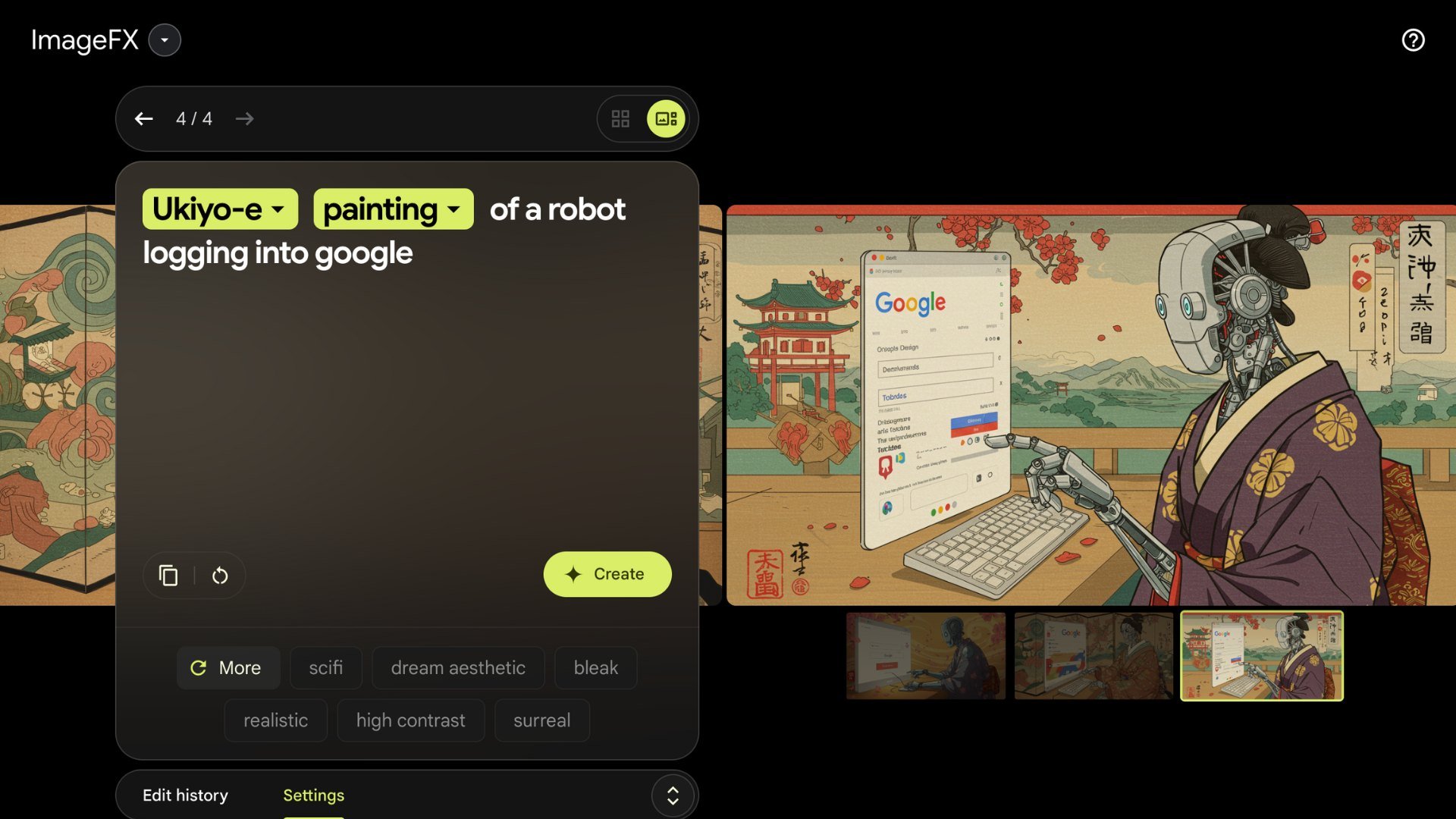
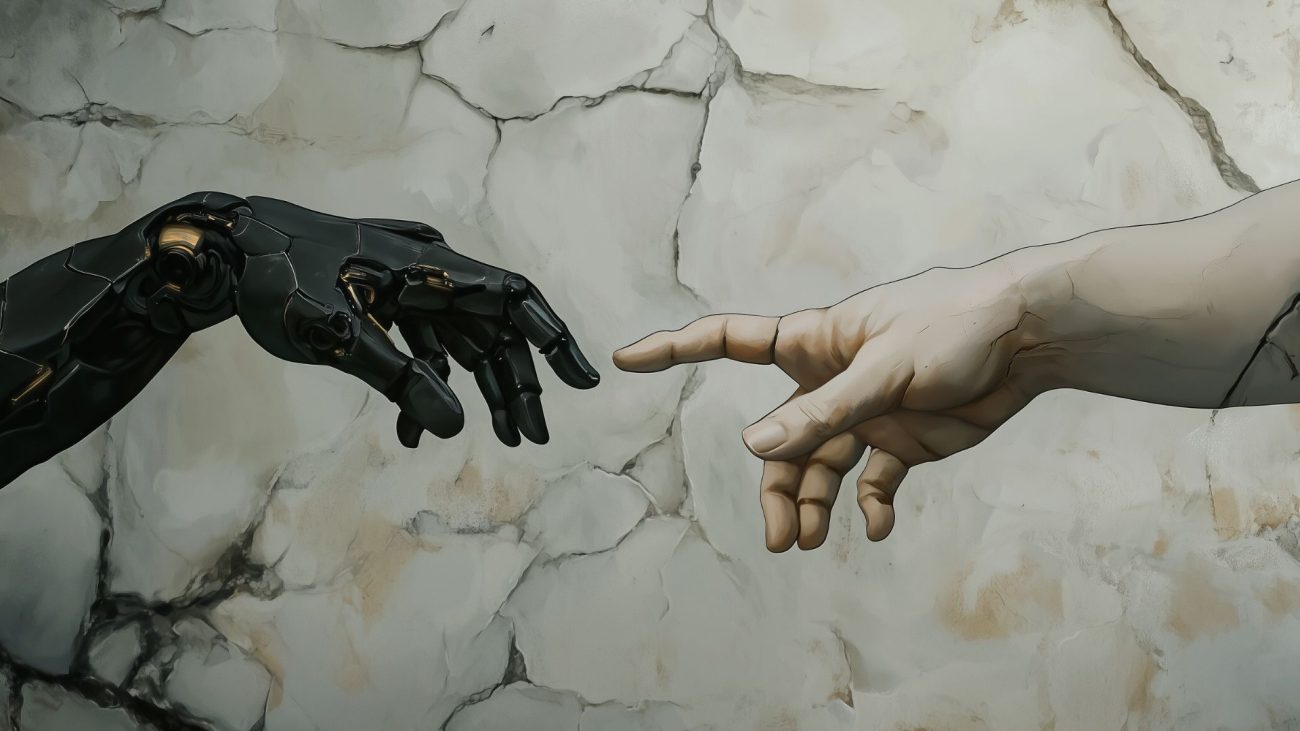
Google ImageFX Interface
Final Thoughts
Google’s ImageFX might not have the name recognition of DALL·E or MidJourney, but it’s a hidden gem that deserves a spot in the spotlight.
Its free accessibility, intuitive design, and impressive AI capabilities make it an excellent choice for anyone looking to dip their toes into AI-powered creativity.
So, why not give it a try? Head over to Google Cloud’s ImageFX page or explore it in the AI Test Kitchen. Whether you’re crafting a masterpiece or just having fun, you might be surprised by what you can create.