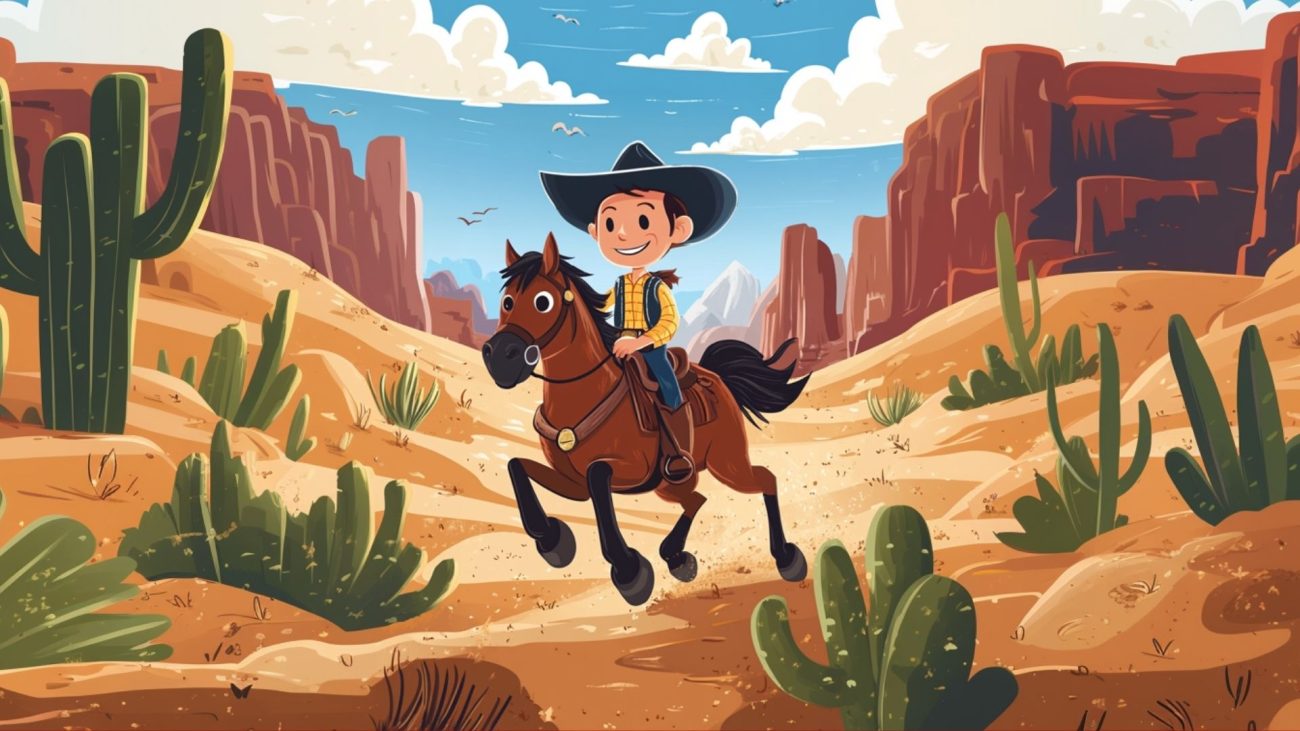
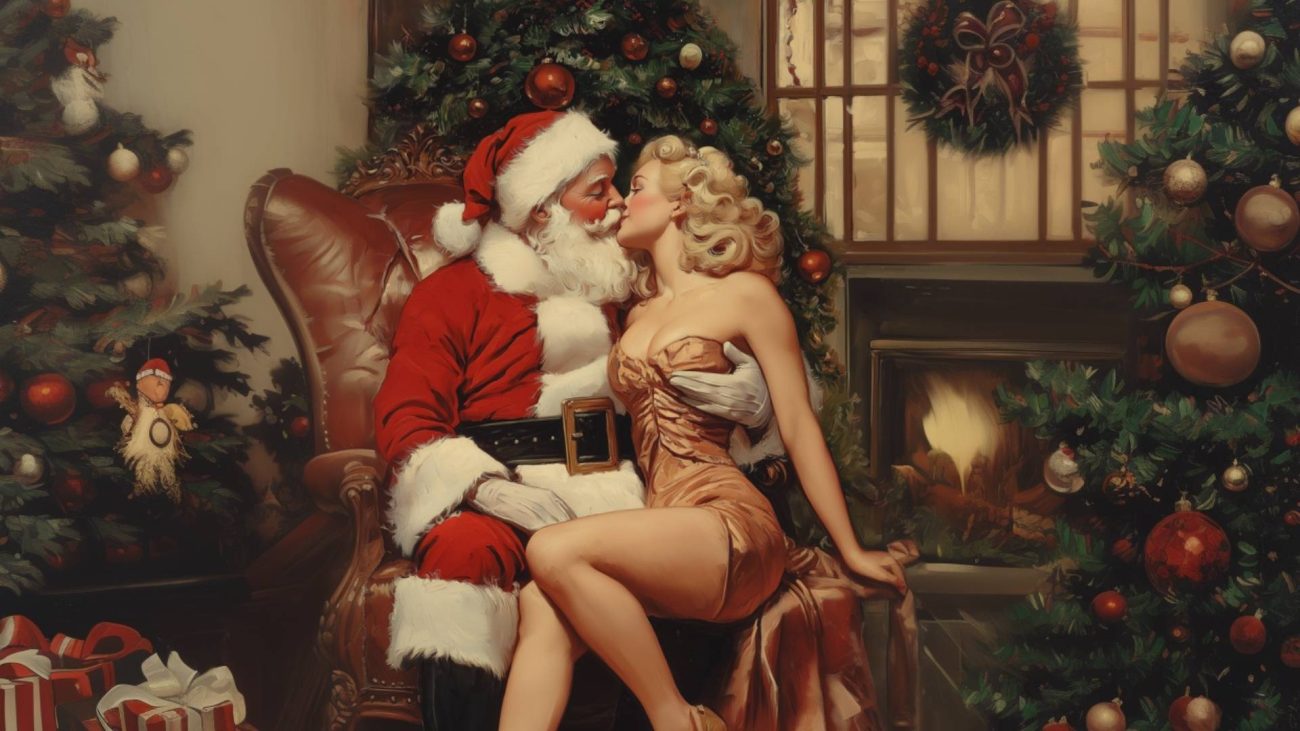
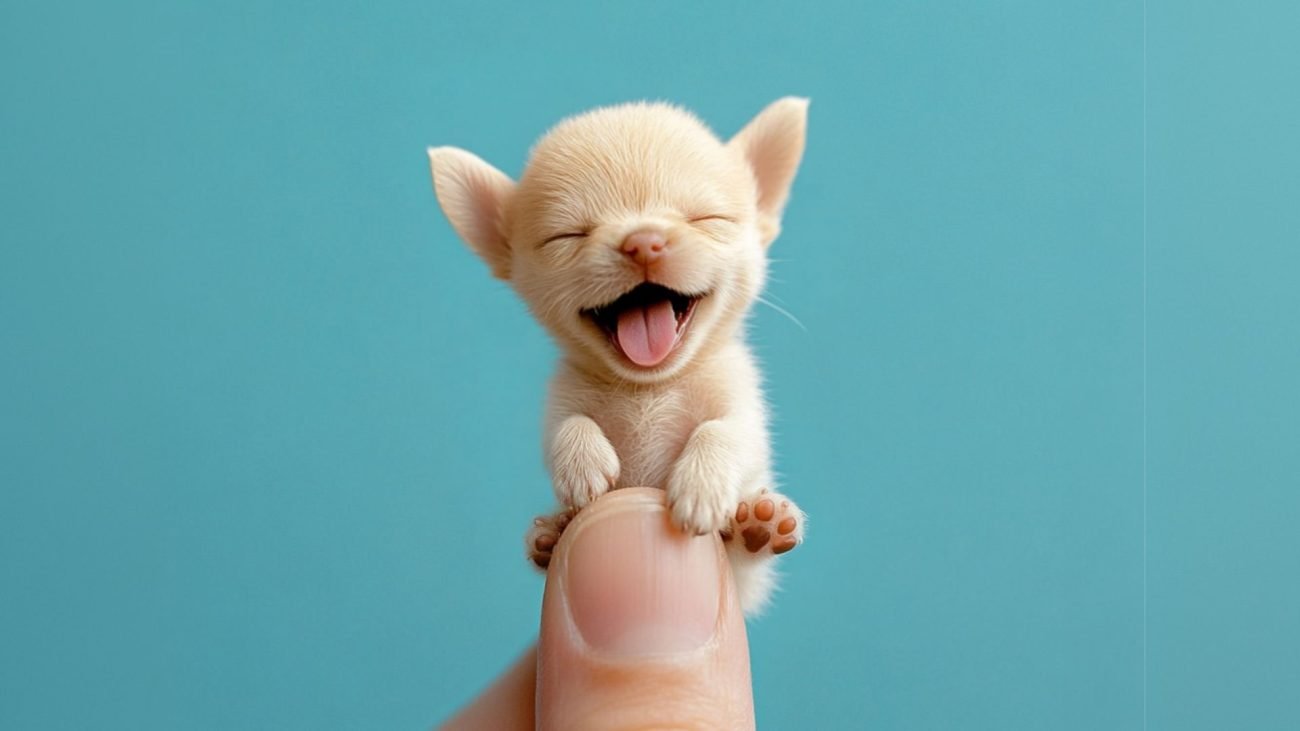
In the fast-paced world of AI-powered image generation, Midjourney has emerged as a standout tool for artists, designers, and creators.

Its intuitive text-to-image capabilities have enabled users to bring ideas to life with just a few words, creating visually stunning artwork from the simplest of prompts. With the release of version 6, Midjourney introduced a groundbreaking new feature: the Style Reference parameter, commonly referred to as --sref.

This parameter allows users to apply specific visual aesthetics from reference images to their creations, unlocking an unprecedented level of creative control and customization.

In this guide, we’ll break down what --sref means in Midjourney, how to use it, and how it can elevate your Midjourney experience.

Whether you're looking to achieve a particular style, bring cohesion to a series of images, or simply explore new creative horizons, understanding how to leverage --sref can be a game-changer.

What Does Sref Mean in Midjourney?

The --sref parameter in Midjourney allows users to enhance their creations by infusing them with the distinct visual style of a reference image or apply a visual style using a code.

This includes emulating the color palette, lighting, textures, and overall vibe of the reference, adding a new layer of aesthetic depth and intentionality to the generated image. Essentially, --sref allows you to guide Midjourney’s output by saying, "Make this look like that," with “that” being your chosen reference image or code.

This works because Midjourney analyzes the visual characteristics of your reference image and applies them to the image generated from your text prompt. The result? An output that beautifully blends the concepts in your prompt with the aesthetics of the reference image. This is ideal for artists, brands, or hobbyists who want to maintain a specific style across multiple images or explore how different styles can transform a single concept.

How Does --sref Work?

To understand how --sref influences your images, it helps to break down the mechanics a bit more. When you input a reference image with --sref, Midjourney processes that image and extracts key style elements, such as:

  • Color Scheme: The color palette is an immediate impact; if your reference image is monochromatic or uses warm tones, this will translate to your generated image.
  • Lighting and Shadows: If the reference image has dramatic lighting or soft, diffused light, Midjourney incorporates similar lighting into the generated image.
  • Texture and Detail: The graininess, smoothness, or intricate detailing found in a reference image influences the texture and intricacy of the AI’s output.
  • Overall Mood and Style: Whether the reference feels minimalist, baroque, or surrealist, Midjourney can emulate that mood, creating a cohesive aesthetic in the generated result.

With --sref, the possibilities for style-matching, blending, and aesthetic experimentation are nearly limitless. Whether you’re aiming for photorealism, abstract art, or a blend of different artistic eras, this tool allows you to achieve a specific look with far greater precision.

Standard Image Generation

No style reference applied

Standard Midjourney Image

Image With Style Reference

Style Reference Code Added

Image with style reference

How to Use --sref in Midjourney

Using style references with --sref in Midjourney is simple and accessible, even if you’re new to the platform. Here’s a step-by-step guide:

  1. Begin with Your Text Prompt: Start as you would normally by crafting a text prompt that captures the subject or scene you want to generate.
  2. Add the --sref Parameter with Your Reference Image URL or Style Code: After your text prompt, use --sref followed by the URL of the image you want to use as a style reference (or use a style code).
  3. Adjust the Style Weight (Optional): If you want to control how strongly the reference image influences your prompt, use the --sw parameter. The default value is 100, but you can adjust it from 0 to 1000. A higher value results in a stronger influence of the reference style.

Example Prompt

In the example above, the prompt will generate a scene of the Sydney Opera House with a purple color scheme, textures, and lighting style of impressionist style painting. Here's the prompt if you like this style:
sydney opera house --ar 1:1 --sref 2127813797 --v 6.1

Below you can see the same style reference applied to a totally different scene.

Viking Warrior

Different Scene, Same Style

Viking with style applied

Sref Examples

To demonstrate how --sref influences output, here are some examples using the Sydney Opera House. These examples showcase the effect of using different reference images and codes, providing a hands-on look at the versatility of --sref.

Cute Cartoon Style

Perfect Style For Cute Cartoon Images

Cute Cartoon Sref Style

Prompt:

a mouse sits on a church organ --ar 1:1 --sref 1853646793 --stylize 200 --v 6.1

Sketch Style

Hand drawn sref

Sketch Style Ref

Prompt:

Sydney Opera House --sref 1735987379 --v 6.1

These examples illustrate the flexibility of --sref, showing how a single prompt can yield vastly different results based on reference images and style weight.

Benefits of Using --sref

The --sref feature offers substantial creative and practical benefits:

  1. Consistency Across Projects: By using --sref, you can maintain a cohesive look across a series of images, which is especially helpful for branding, storytelling, or art series.
  2. Effortless Experimentation: Explore different styles, from surrealist to modernist, with minimal adjustment to your prompt.
  3. Precision in Aesthetics: Instead of relying solely on descriptive prompts, --sref allows for precise style matching, which is ideal for replicating specific visual qualities.
  4. Efficiency in Achieving Desired Results: Instead of repeatedly tweaking text prompts to achieve a certain look, you can simply provide a reference image, saving time and enhancing accuracy.
  5. Versatility for Different Artistic Needs: Whether you’re creating realistic portraits, abstract designs, or cinematic scenes, --sref adapts to various styles, offering unmatched versatility.

Tips for Using Style References Effectively

Here are some tips to help you get the most out of the --sref parameter:

  1. Start with One Reference Image: Begin with a single style reference and experiment with different prompts to observe how the AI interprets and applies the style.
  2. Experiment with Style Weights: Adjust the style weight (using --sw) to control the influence level. A high style weight makes the reference’s influence more dominant, while a lower weight blends it subtly.
  3. Select Relevant References: The closer your reference image aligns with your desired outcome, the more effective --sref will be. For example, using a reference image with bright colors and sharp lines works well for vibrant, detailed prompts.
  4. Combine Styles Thoughtfully: When using multiple references, consider how each style might influence the final result. Mixing dramatically different aesthetics can yield interesting results, but subtle or complementary styles may blend more cohesively.
  5. Iterate and Evolve: Re-use generated images as new style references to further refine and evolve the aesthetic, a technique that can lead to unique, iterative artwork.
  6. Save Frequently Used References: Use Midjourney’s "slash prefer options set" command to save URLs of frequently used style references, making it easy to access them for future projects.

Limitations and Considerations

While --sref is a powerful tool, it has some limitations to keep in mind:

  1. Copyright: Ensure you have the rights to any images you use as style references.
  2. Complexity of Reference Images: Very detailed or intricate reference images may not always translate perfectly, especially if the prompt has unrelated content.
  3. Overuse of Style Influence: Over-relying on --sref may overpower the core content of your text prompt, so adjust style weights to keep a balanced look.
  4. Version Compatibility: The --sref feature is only available in Midjourney version 6 and Niji 6, so it’s essential to ensure you’re using a compatible version.

Conclusion

The introduction of the Style Reference parameter (--sref) in Midjourney v6 marks a significant advancement in AI image generation. With this tool, users can now control the aesthetic qualities of their creations like never before, blending the power of reference images with the flexibility of text prompts.

Whether you're aiming for brand consistency, experimenting with unique aesthetics, or simply exploring new creative avenues, mastering the use of --sref can dramatically elevate your Midjourney experience.

By exploring and experimenting with style references, you can push the boundaries of AI-assisted art and discover new possibilities for creativity. So dive in, experiment, and see how --sref can transform your artistic vision into reality. Your next masterpiece may be just a --sref away!

50

CARTOON PROMPTS

Unlock the magic of cartoon creation with our expertly crafted '50 Midjourney Cartoon Prompts' digital download. Whether you're a fan of Manga, Hanna-Barbera, or any style in between, this collection offers the best prompts to generate stunning cartoons effortlessly. All in one easy to download digital guide.

Bonus Extras!

Midjourney Cheat Sheet: A guide to Midjourney commands and parameters. From adjusting aspect ratios to exploring unique styles, this cheat sheet provides the tools to shape your artistic vision.
 
Quick Guide to Cartoonizing Photos: Learn the secrets to turning your own photos into cartoons. It's simple once you know how!